
Make a scenario Scenario
A scenario is a galaxy map that a new game starts from. Start from a blank map or from the galaxy in a save.
Start a scenario
There are three ways to make one:
- "New scenario…" then "Blank canvas" gives you an empty map.
- "New scenario…" then "A galaxy from the game" gives you the game's own layout, names and empires to edit:
- In Stellaris, start a new game with the size and shape you want.
- Save on day one.
- In Galaxy Forge, open that save as a scenario.
- Pick any save and click "Open as scenario", or use File → "Export as scenario…". The original save remains unchanged. After "Open as scenario", the Galaxy page opens with Prepare for a new game.
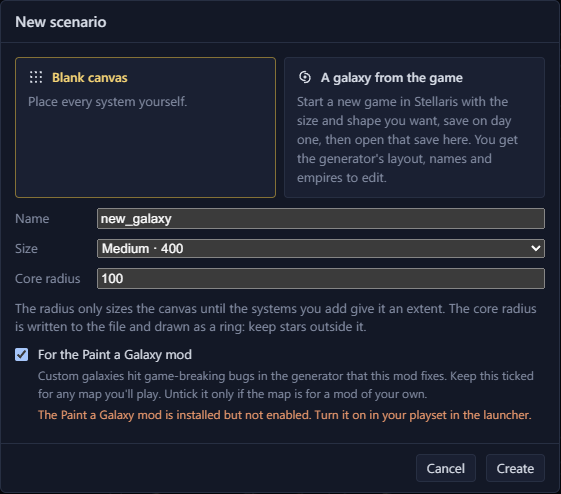
- 1Start from a blank canvas
- 2Start from a galaxy the game made
- 3Name, size and core radius
- 4For the Paint a Galaxy mod
Each route has a "For the Paint a Galaxy mod" checkbox. Paint a Galaxy explains it.
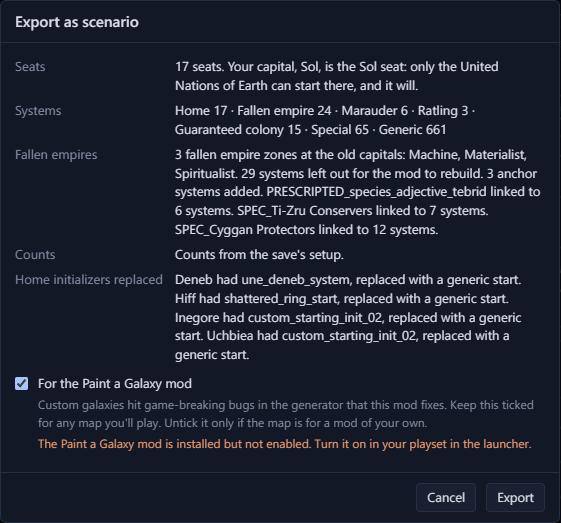
File → "Export as scenario…" lists what the export will change before you click Export.
Edit a scenario
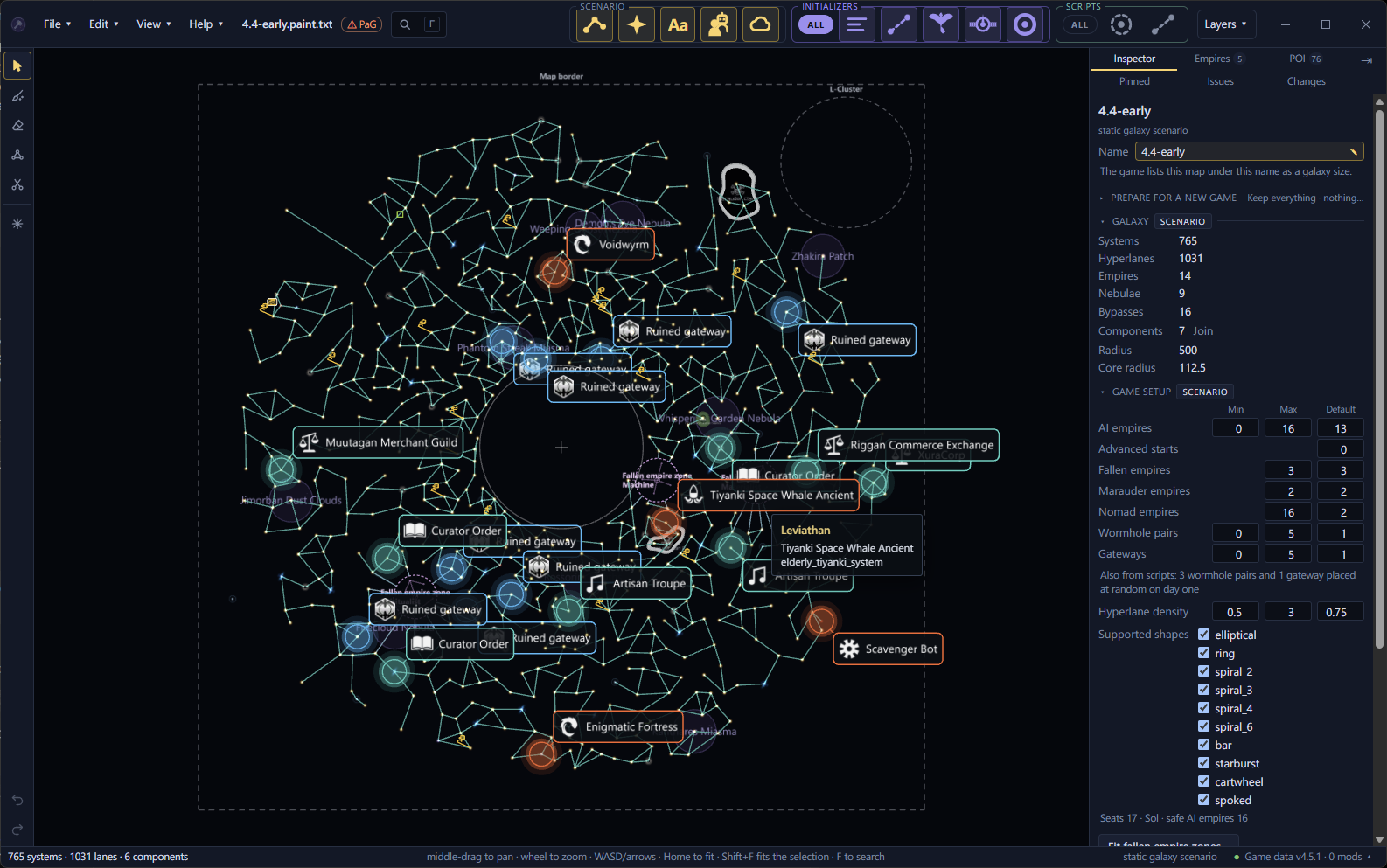
You select and move systems, edit hyperlanes and edit nebulae as in a save. A scenario adds these:
- Add systems, rename any system and delete systems.
- Paint and erase systems with brushes, and symmetry.
- Initializers, which set what a system spawns.
- Spawn points.
- Prevented lanes.
- Fallen empire zones and marauder clans.
Set the counts for the new-game screen
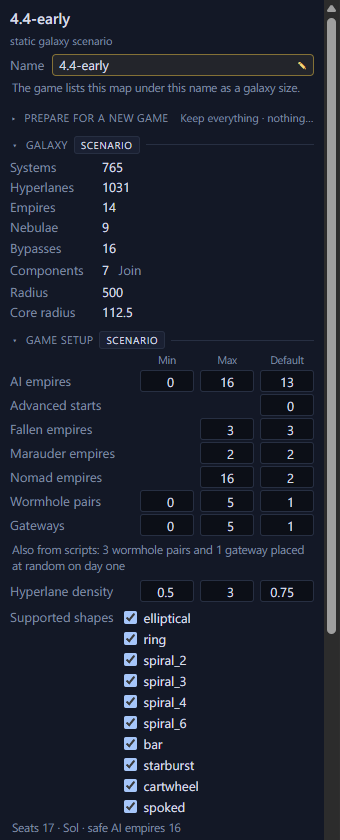
With nothing selected, the Game setup section sets the counts offered on the new-game screen, such as the number of AI empires.
On a map for Paint a Galaxy, click "Update counts" when Game setup says the counts no longer match the seats and zones.
See which tools wrote the file
The file starts with a # created by line naming the Galaxy Forge version. Each time Galaxy Forge or Paint a Galaxy saves the file, it adds itself to that line, so the line lists every tool and version that wrote the file.
Day-one estimates
The Scripts tab and the day-one layers estimate what scripts will do when the game starts. Galaxy Forge can't follow every script, so they can miss things.