
Empires and the L-Gate Save
Open an empire's page from the Empires tab, or click the owner's name at the top of one of its systems.
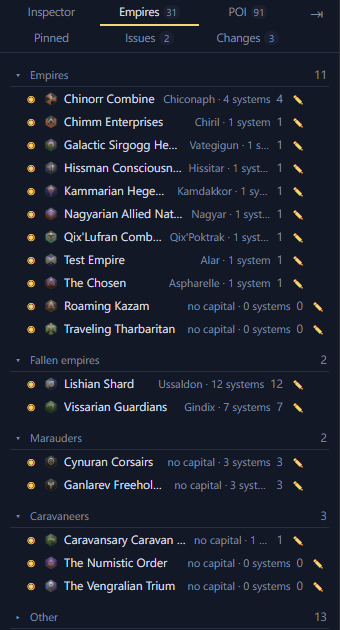
Rename an empire
An empire's page has a Name field at the top. Type a new name to rename the empire. Renaming your own empire also renames the save on the load game screen.
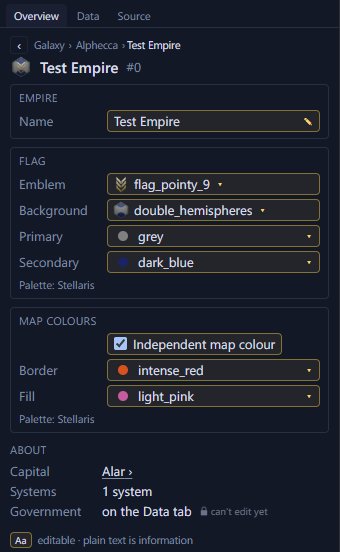
Change an empire's flag
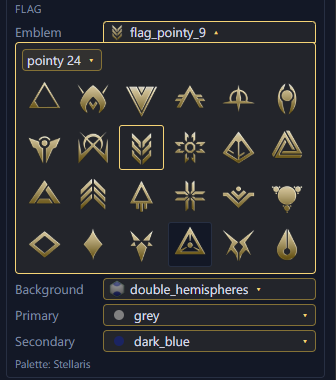
In the Flag section of an empire's page, pick its emblem, its background, and its primary and secondary colours. For the player's empire, the load game screen shows the new flag too.
Change an empire's map colours
In a Stellaris 4.5 save, the page also has "Independent map colour". Tick it to pick separate border and fill colours. Untick it to use the flag's primary and secondary colours.
See a pre-FTL civilisation's age
A pre-FTL civilisation's page shows its age, such as Stone Age.
Change the L-Gate outcome
Clear the selection, and the Inspector shows an L-Gate section. Click Reveal to see which outcome the save rolled. You can change the outcome until an L-Gate opens.