
Move around the map Save Scenario
The galaxy map fills the window, with the dock on the right.
Pan and zoom
Drag with the middle mouse button to pan, or hold WA S D or the arrow keys. Hold Shift as well to pan faster. Scroll the mouse wheel to zoom. Press Home to fit the whole galaxy in the window.
While you drag a system with the left button, you can still pan with the middle mouse button, so you can move the system past the edge of the window. Hold the middle button and move the mouse to pan, then let go of it and keep dragging. The system lands where you let go of the left button.
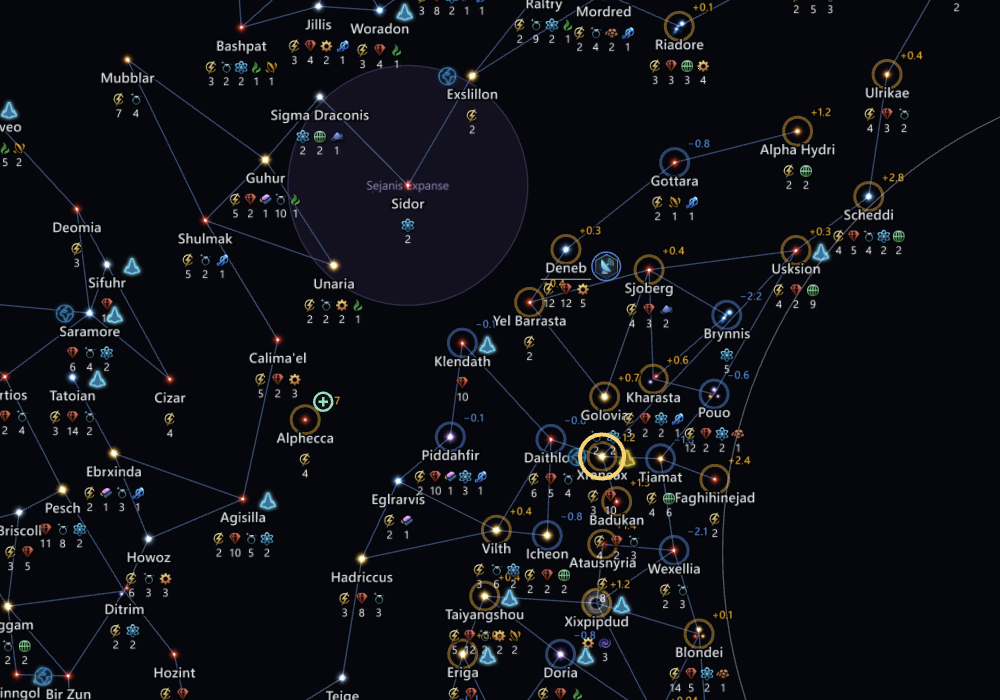
To find one system, use Search. To change what the map shows, use Layers.
Use the dock
The dock on the right has the Inspector, Empires, Points of interest, Pinned searches, Issues and Changes tabs. With nothing selected, the Inspector shows the whole galaxy. Tab hides or shows the dock.
Star art and names
When the app finds your Stellaris install, the map uses the game's star art and names, with your mods. Without it, the map draws plain stars and generated names.