Search Save Scenario
F opens search. Ctrl+K and / open it too.
Find a system, empire or planet
Search finds systems, empires, planets, fleets and nebulae by name. It also finds systems by what is in them, such as "gaia", or by their precursor, such as "Vultaum". In a scenario it finds systems and nebulae.
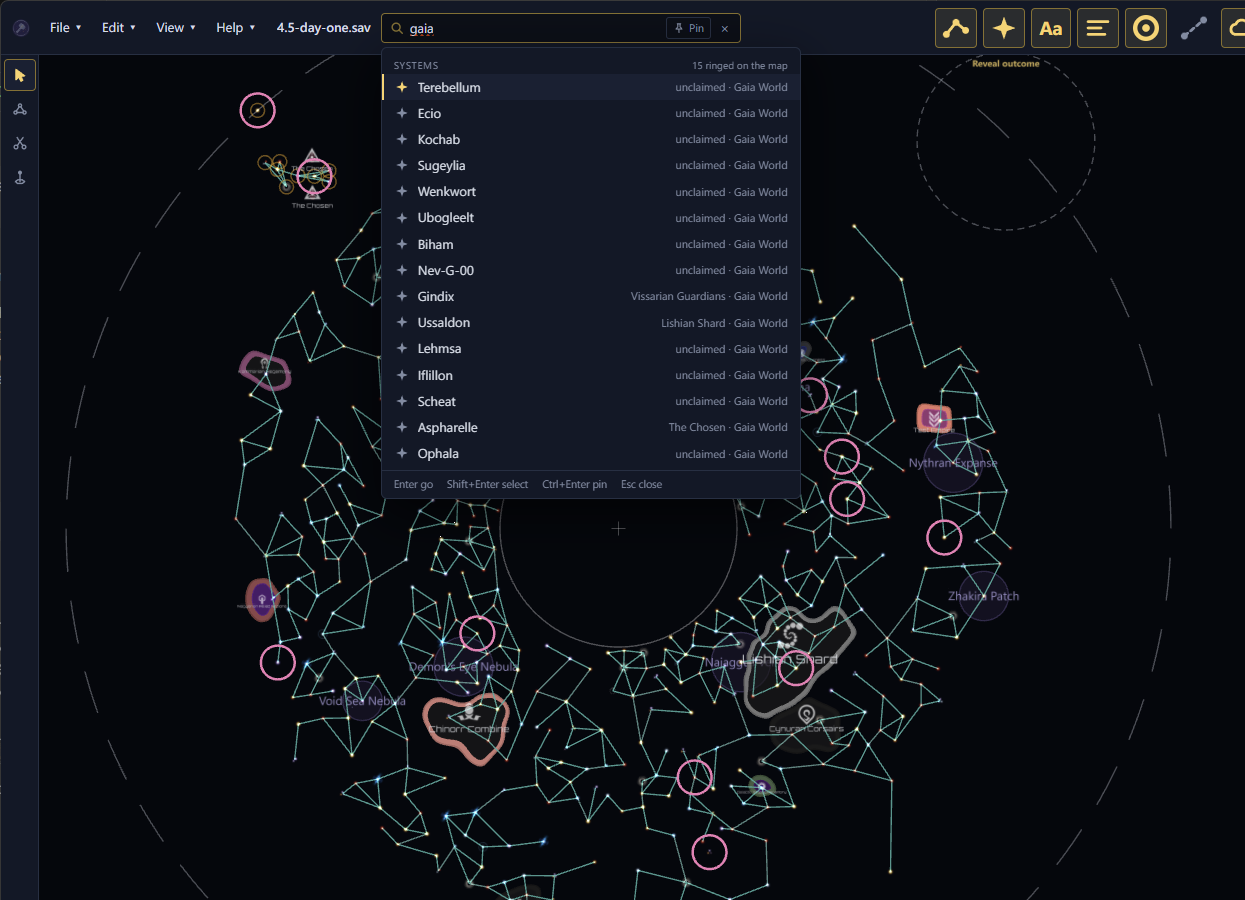
Enter jumps to the highlighted result. Shift+Enter, or Shift+click, adds its system to the selection and keeps the search open. Esc closes it.
In a save, search also finds star types. Type a type's name, such as pulsar or black hole, its letter, such as g or class g, or a colour, such as yellow or red. The Star types group lists each matching type with the number of systems that have it. Every star in a system counts, so a binary with a pulsar is listed under Pulsar and under Binary Stars. Press Enter on a star type to ring all its systems and fit the map to them. Press Shift+Enter to add all its systems to the selection instead.
The rings stay until your next search. To clear them sooner, press Esc on the galaxy map, or click × beside them in the status bar.
Search one kind of thing
Start the search with a prefix to find only one kind:
| Prefix | Finds |
|---|---|
s: | Systems |
e: | Empires |
p: | Planets |
f: | Fleets |
n: | Nebulae |
t: | Star types |
For example, e:vex searches empires for "vex". Tab moves what you typed to the next kind, from everything to systems, empires, planets, fleets, nebulae, star types and back to everything.
Pin a search
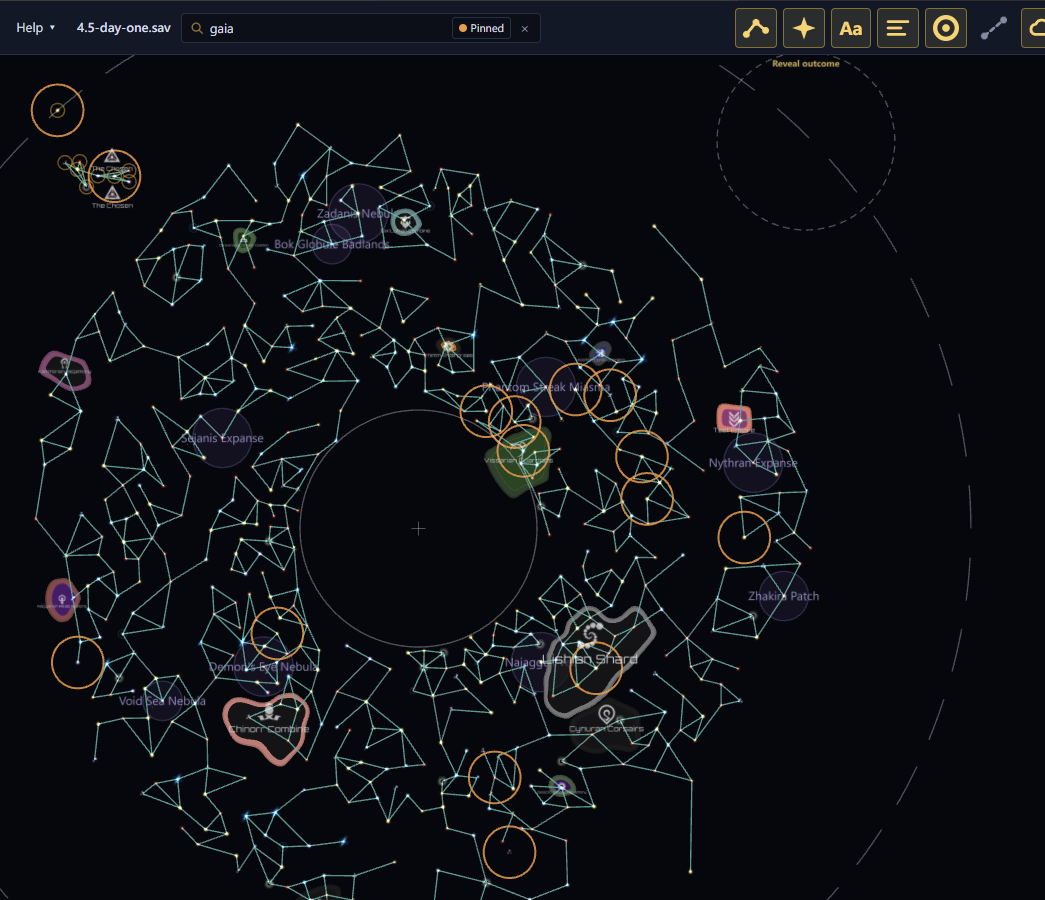
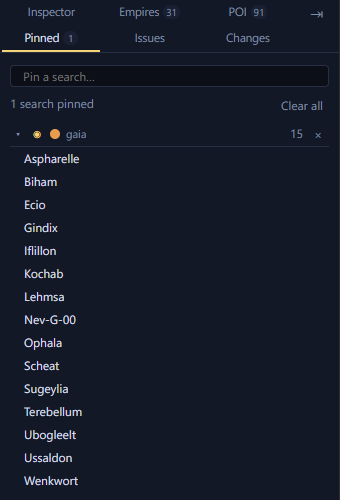
Pin a search to see the systems it finds in every file you open. They show a coloured ring on the map. Ctrl+Enter pins the search, or unpins it. The Pinned searches tab in the dock lists your pins, and so does the empty search box.